
Disclosure: This post may contain affiliate links. If you purchase through these links, we may earn a commission at no extra cost to you. Content is for general informational purposes only and is not medical, health, or safety advice. Always consult a qualified healthcare professional for questions related to pregnancy, fertility, postpartum care, or infant health, and follow manufacturer instructions for all products.
Quick Overview: Best TTC-Friendly Period & Ovulation Apps
If you’re actively trying to conceive in 2025, the right period tracking app can make timing intercourse or insemination much simpler. This comparison focuses on popular period tracking apps specifically designed with TTC users in mind—highlighting ease of use, fertility features, and daily convenience rather than deep medical science.
Here’s a quick at-a-glance look at the most useful period apps for TTC:
- Flo – Best for familiar interface and smooth TTC mode switching
- Clue – Best for clutter-free design and data-loving users
- Glow – Best for community features and active fertility planning
- Natural Cycles – Best if you love charts and daily BBT tracking
- Ovia Fertility – Best free option with explicit TTC focus
- Apple Health Cycle Tracking – Best if you’re already in the iPhone/Apple Watch ecosystem
- Premom – Best for integrating ovulation test strips and irregular cycles
All featured apps support core TTC needs: period logging, ovulation and fertile window predictions, and symptom or sex tracking that helps when you’re timing conception attempts.
One important note: accuracy can vary a lot depending on your body and menstrual cycle. This guide focuses on usability and tracking convenience for pregnancy planning rather than promising perfect predictions. The goal is to help you find a period app you’ll actually use every day.

What to Look for in a TTC-Focused Period App
When you’re trying to conceive, the “best” period tracker isn’t necessarily the one with the most features—it’s the one you’ll actually open daily. User experience and smart reminders matter more than complex hormone data when you’re in the thick of TTC.
Here are the key TTC features to compare when evaluating tracking apps:
- Easy logging of essentials – You want quick taps to record when your period starts, when you have sex, and when you take ovulation or pregnancy tests. Long forms kill consistency.
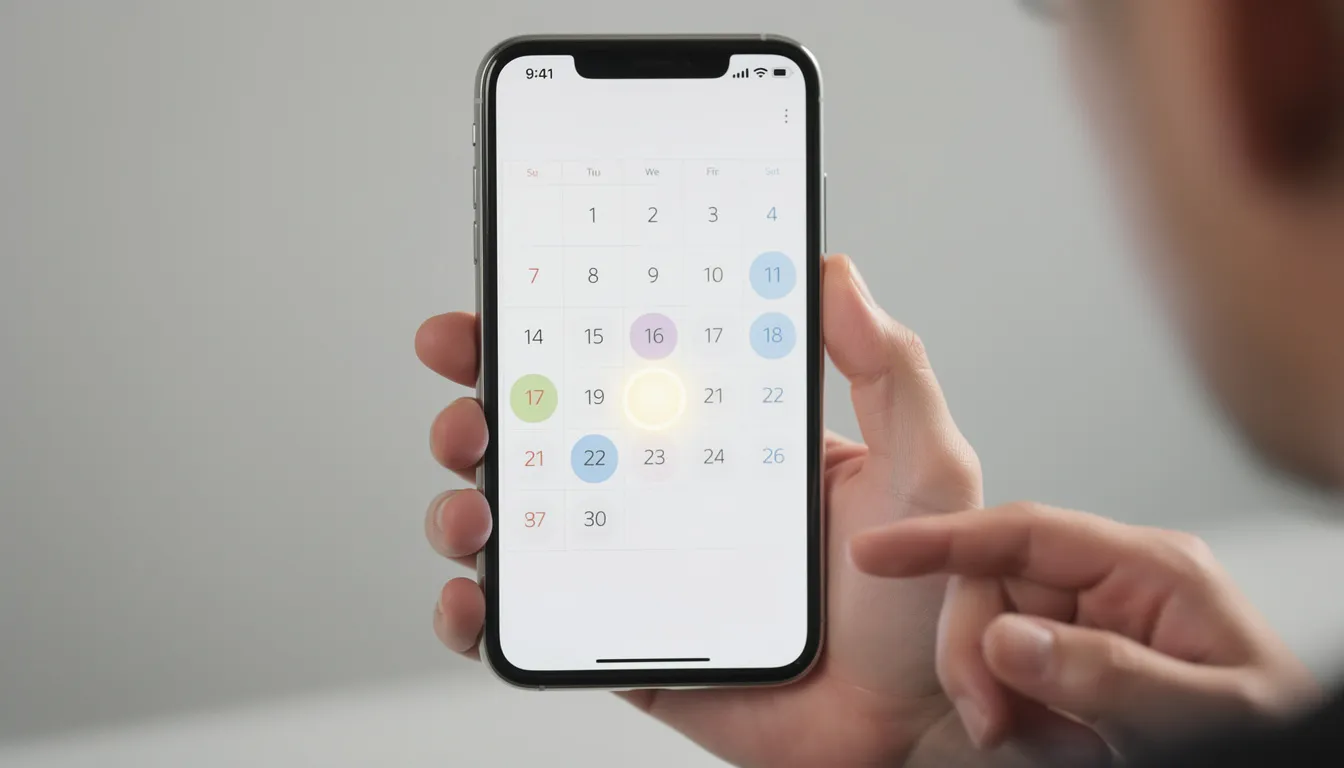
- Clear fertile-window visuals – Color-coded calendars or timelines that highlight your fertile window and predicted ovulation day make planning straightforward.
- Lightweight symptom tracking – Options for logging cervical mucus, cramps, mood, and energy levels without forcing you through 20 questions.
- Discreet notifications – Alerts for fertile days, predicted ovulation, and when to take a pregnancy test that don’t broadcast your TTC journey to everyone nearby.
- Partner-friendly features – Some apps let you share calendars or summaries with a partner, which can be helpful for coordinating timing.
Some TTC users also like optional extras: body basal temperature charts, integration with an Apple Watch or other wearables, and basic cycle history reports for doctor appointments. These can be useful but aren’t essential for everyone.
The next sections compare major apps against these practical TTC criteria: user experience, TTC convenience, and whether the free version is enough to get started.
Flo: Familiar Interface with Strong TTC Tools
With over 280 million downloads worldwide, the Flo app is one of the most recognized names in female health tracking. If you’re newly TTC, Flo offers one of the easiest entry points thanks to its polished interface and clear fertility predictions.
TTC-Focused Strengths
Flo makes daily logging simple with quick taps for period, sexual activity, ovulation tests, and pregnancy tests. The calendar view highlights your predicted fertile window and ovulation day in obvious colors, so you always know where you are in your reproductive cycle.
One standout feature: you can switch into “trying to conceive” or “pregnancy” mode without starting a new app. When your period arrives or when you’re tracking pregnancy, Flo adapts without losing your cycle information.
Usability
Onboarding takes under two minutes. You’ll answer a few questions about your age, cycle length, and recent periods, and then you’re ready to log data. Symptom tracking offers many apps’ worth of options—mood, cramps, discharge, physical activity—but you can ignore most of it if you just want basic period tracking.
The Flo health assistant provides personalized insights based on your data input, though some users find the content cards and articles a bit busy.
Free vs. Flo Premium
The free version covers basic TTC tracking: period logging, fertile window predictions, sex logs, and reminders. For most people just starting out, this is enough.
Flo Premium (the paid version) unlocks deeper comparative insights, video courses, and premium customer support. It’s a nice-to-have for users who want more accessible resources, but the free tier handles the essentials well.
Who It’s For
Flo is a good fit if you want a well-known period tracking app with lots of TTC-specific interface touches and don’t mind occasional upgrade prompts. It’s less ideal if you prefer a minimal, distraction-free app with very few features or content feeds.
Clue: Clutter-Free Design for Data-Loving TTC Users
The Clue app takes a different approach: clean design, research-informed predictions, and straightforward logging without in-app chat or social features. It’s endorsed by the American College of Obstetricians and Gynecologists, which gives some users extra confidence in its cycle tracking accuracy.
TTC Convenience
Period, ovulation, and fertile window predictions show up clearly on both the calendar and cycle overview. Clue offers over 100 symptom tracking options—including cervical mucus, pain, mood, sleep, and sex—that help you notice personal fertility patterns over a few cycles.
If you want to log more than just dates but don’t want heavy online communities or social features, Clue hits a nice balance. You can record ovulation test results, track your next period predictions, and review historical data points without wading through forums.
Usability Factors
The interface stays fairly neutral and minimalistic. There’s no pink-everything aesthetic, which some users find refreshing when they’re already stressed about TTC. Daily logging takes just a few taps instead of long questionnaires, so you’re more likely to track consistently.
For users who care about private data, Clue’s German headquarters means it operates under stricter EU data protection laws—a detail that matters to some people undergoing fertility treatments or simply valuing privacy.
Pricing and Versions
The free version covers core TTC needs: cycle tracking, fertile-window estimates, and basic features for symptom logging. For many TTC users, this is sufficient.
The premium version (Clue Plus) unlocks more detailed historical analysis, cycle pattern reports for overall health monitoring, and extra content. This appeals to users who like digging into patterns as months go by or want reports ready for doctor appointments.
Decision Points
- Choose Clue if you prefer a text-light, no-chat environment and want cycle data laid out clearly.
- Might not suit you if you want lots of in-app coaching, forums, or highly personalized prompts.

Glow: Community Features and Tools for Active TTC Planning
Glow positions itself as a fertility tracker first, period tracker second. It’s built as a TTC-focused ecosystem that connects with ovulation test strips and online communities popular among people actively timing intercourse or undergoing fertility treatments.
TTC-Specific Strengths
The daily log is optimized for fertility data: sex timing, ovulation test results, body temperature, cervical mucus, and pregnancy tests all live in one place. Users log these health signals quickly without jumping between screens.
The cycle view shows your fertile window plus “chance of conception” style indicators (high, medium, low) based on your data. For people who like seeing their odds visualized, this can feel motivating. Not only that, Glow’s algorithm was integrated into Samsung’s Galaxy Watch 3 women’s health widget—a sign of how seriously the industry takes its fertility predictions.
Community and Extras
Glow includes built-in forums and groups where TTC users share experiences. If you want emotional support or anecdotal tips from others on the same life stage, this can be valuable. There are also private messaging options for connecting with specific users.
Optionally, you can use Glow-branded ovulation test strips that sync with the app for tracking surges. This integration makes it easier to get an accurate prediction of ovulation without manually interpreting test lines.
Usability and Cost
The free version is enough to track cycles, fertile windows, and basic TTC activities. You can log your sexual health data, symptoms, and test results without paying.
The premium subscription adds more advanced comparative insights, partner-sharing calendars, premium support, and extra analysis tools. Some users find these helpful for coordinating with a partner or reviewing their sex life timing patterns.
Decision-Focused Notes
- Best if you want a TTC-centered period app plus community and don’t mind more notifications or content cards.
- Less ideal if you prefer a very private, solo experience without social features or upsell prompts.
Natural Cycles & BBT-Based Apps: More Effort, More Charts
Natural Cycles (FDA-cleared for birth control) and similar BBT-based apps can also help for TTC by using your basal body temperature and cycle data to estimate ovulation. This collection method requires more daily effort but can provide more personalized fertility predictions.
Day-to-Day Experience
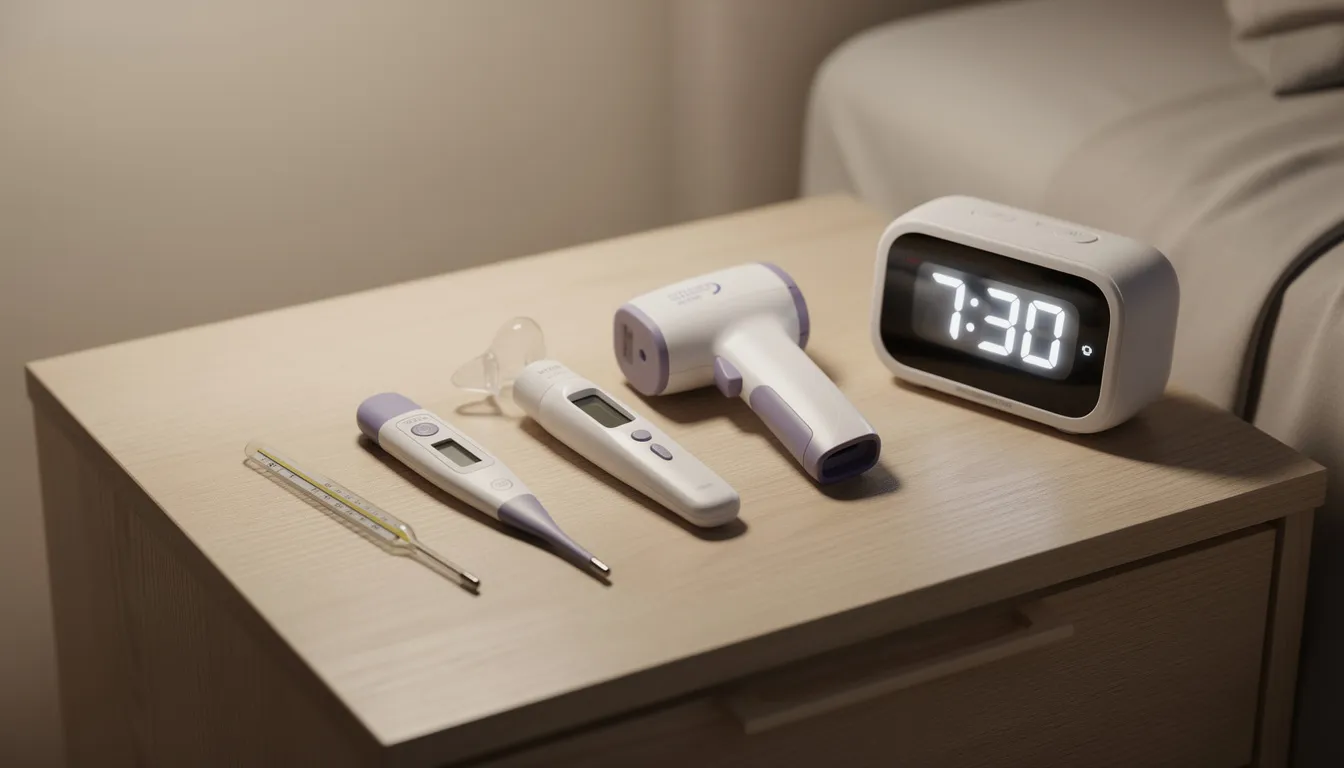
Users need to take their basal body temperature with a special thermometer every morning before getting out of bed. You then enter the reading into the app (or sync it automatically if using a compatible device). The watch screen on some wearables can even display prompts for temperature logging.
Over a few cycles—typically 2–3 months—the app builds a temperature-based pattern and marks likely ovulation days and fertile windows. The algorithm learns how your body works and refines predictions accordingly.
TTC Advantages
For people with fairly regular sleep schedules, BBT tracking can make ovulation timing feel more customized than simple calendar averages. The app uses your actual body basal temperature data rather than just guessing based on population averages.
Clear color-coded fertile vs non-fertile days simplify planning intercourse or insemination. You don’t need to interpret complex charts yourself—the app does the interpretation and shows you when to try.
Trade-Offs
This approach requires more discipline than tapping “period started” or “had sex.” Missing multiple temperature readings can reduce the app’s usefulness. If your first period of consistent tracking gets interrupted by travel or illness, you may need to restart your data baseline.
There’s typically a subscription fee plus the cost of a compatible thermometer or sensor. Natural Cycles offers its own thermometer, but you can also pair with certain wearables like Oura rings.
Decision Guidance
- Good match if you love data, enjoy routine, and are comfortable with extra daily steps for potentially more personalized ovulation estimates.
- Not ideal if you travel frequently, have highly irregular cycles or sleep schedules, or want a low-effort ovulation tracker.

Ovia, Apple Health Cycle Tracking & Other Ecosystem Apps
Some apps shine because they integrate smoothly with tools you may already use. Whether it’s Ovia’s explicit TTC focus, Apple’s built-in Cycle Tracking on the iPhone health app and Apple Watch, or Fitbit’s menstrual tracking, ecosystem integration can reduce friction when you’re trying to log data consistently.
Ovia for TTC
Ovia Fertility has an explicit “trying to conceive” mode with detailed fertile-window predictions, sex logging, and conception-focused checklists. The app offers simple daily tasks, reminders, and encouragement that many TTC users find motivating. It works well as both a fertility tracker and a pregnancy tracker once conception happens.
The app review community generally praises Ovia’s straightforward interface and its strength as a free option. You get solid fertile window alerts and cycle predictions without hitting a paywall for basic features.
Apple Health Cycle Tracking (iOS)
If you have an iPhone (and optionally an Apple Watch), the Cycle Tracking feature can log periods, symptoms, and fertile windows within the main health app. Everything syncs automatically across devices.
The convenience here is having period and fertility reminders show up alongside other health metrics—steps, sleep, heart rate—with no extra login or separate app required. For people already living in the Apple ecosystem, this integration feels seamless. You can even glance at predictions on your watch screen during the day.
Fitbit and Other Wearables
Some wearables like Fitbit offer cycle tracking that sits alongside sleep, stress, and activity data. This appeals to TTC users who want to understand how lifestyle patterns (daily well being plan, physical activity, sleep quality) line up with their menstrual cycle.
These trackers can be more expensive and are best if you already own or want a fitness tracker. They’re not necessary if you just want a straightforward TTC tracker and don’t care about extra integrations.
Decision Pointers
- Choose an ecosystem app if you value having everything (steps, sleep, cycle) in one place and already live inside that device ecosystem.
- May not be necessary if you just want a dedicated period tracker app and don’t need unlimited access to fitness metrics.
How to Choose the Best TTC Period App for You
No app can guarantee pregnancy, and the best choice is the one you’ll actually open most days—especially during your fertile window. Consistency matters more than features you’ll never use.
Key Decision Questions
| If you want… | Consider… |
|---|---|
| Simple calendar with minimum extras | Apple Cycle Tracking, basic Clue |
| Full TTC toolkit with community | Glow, Ovia Fertility |
| Partner sharing and support | Glow, Flo Premium |
| Privacy-focused tracking | Clue, Embody |
| Integration with birth control switching | Natural Cycles |
| Help with irregular cycles | Premom with OPK integration |
Are you willing to add extra steps like daily temperature taking for potentially more tailored ovulation estimates? Or do you want a low-effort approach where tracking your period takes 30 seconds a day?
Scenario-Based Guidance
If you’re brand new to TTC and want something friendly and fast to learn, start with Flo or Ovia. Both offer intuitive onboarding and clear fertile window predictions without overwhelming you with data points.
If you already love tracking your health metrics and want cleaner design, try Clue or Apple Health Cycle Tracking. Both emphasize straightforward logging and respect for your private data.
If you’re okay with routines and more numbers to feel in control, look at Natural Cycles or Glow with BBT and OPK logging. These give you more personalized predictions based on actual body temperature and test results.
Final Reassurance
Try 1–2 apps for a couple of cycles, see which one fits your habits, and then commit to using it consistently. The best period tracker is simply the one you’ll actually use.
Remember that while these apps help with timing, TTC timelines vary widely. The app is a convenience tool for your life stage—not a measure of your success. Whether you’re just past your first period of trying or months into the journey, the right tracking apps can make the process a little less stressful and a lot more organized.



Leave a Reply